Quick Start
Cluster Deployment
Data Model
Data Writing
Data Query
SQL Reference
Maintenance and Monitoring
Tool Guide
Troubleshooting
FAQ
Information about MatrixDB cluster, such as databases, data tables, table sizes, types, access times, etc., is essential for understanding and managing the cluster. This information can be obtained from catalog tables such as pg_database and pg_class.
To make this information easier and more intuitive to access, MatrixDB provides a visual data table feature that allows you to directly view metadata of data tables through a UI interface.
The MatrixDB management platform is installed on the master node by default and accessible via port 8240. Click the "Data Tables" menu on the left to enter the data table page:
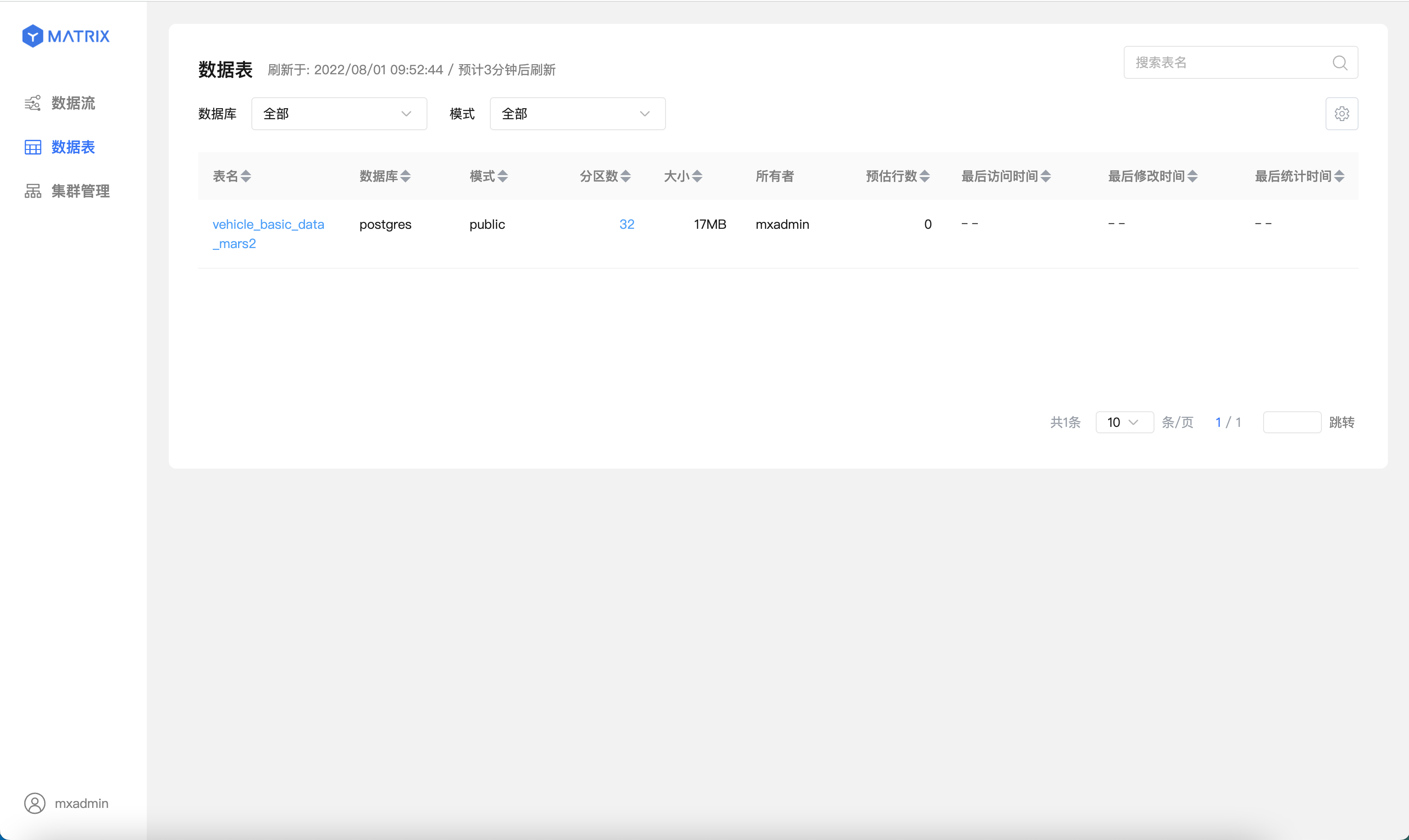
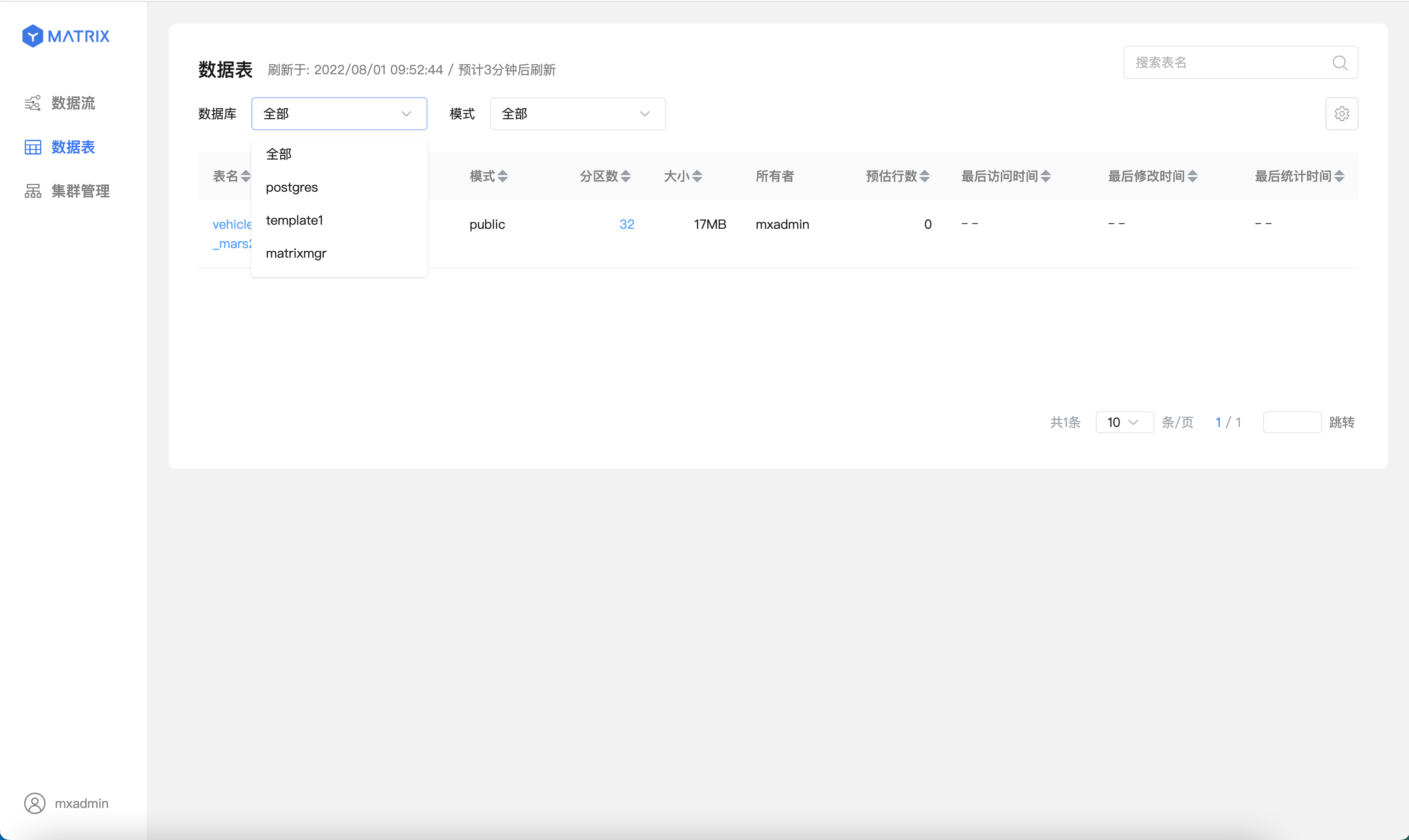
Then select the database you want to view from the database list:
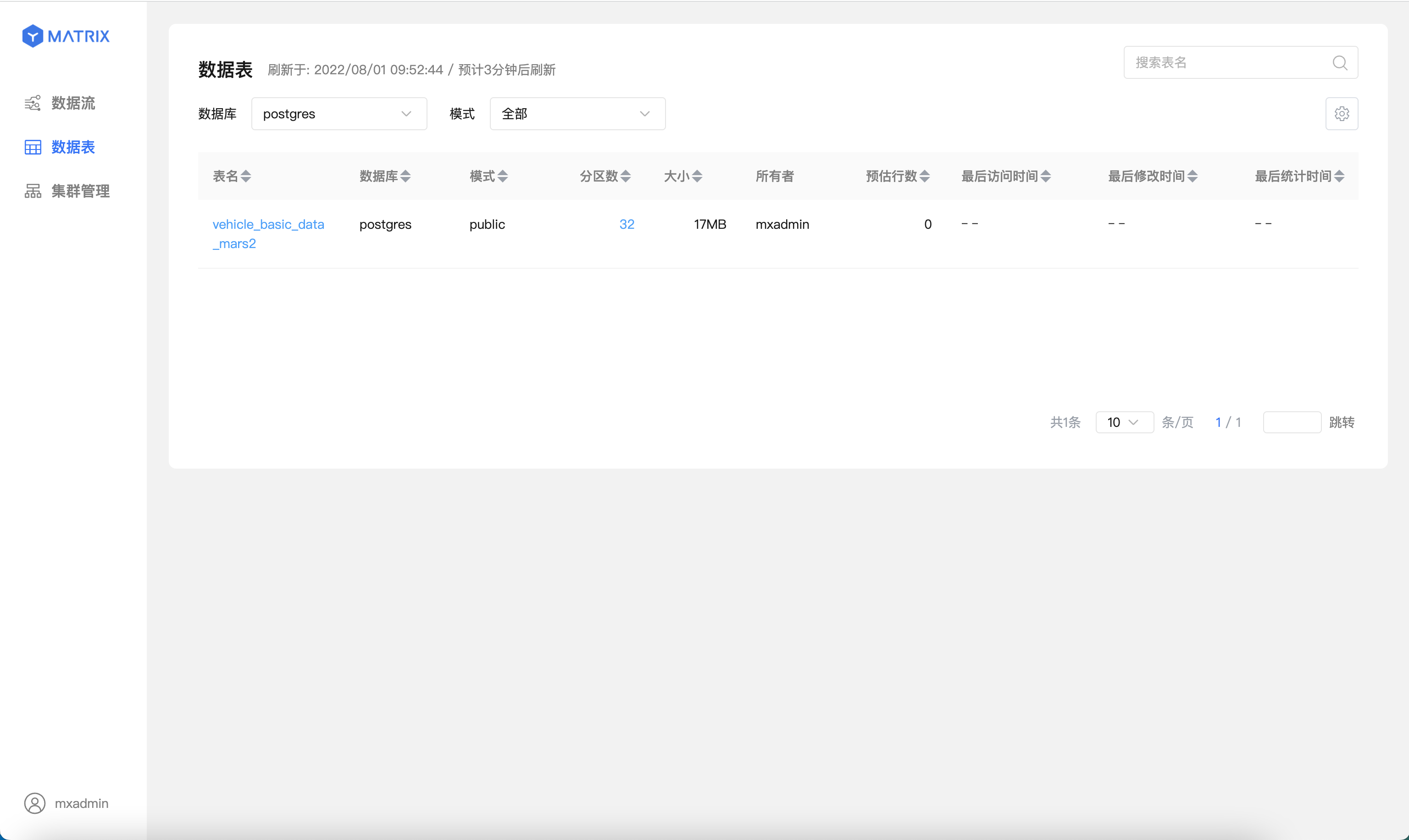
You will see a statistics list of all tables in the selected database, including table name, database name, schema, number of partitions, size, owner, estimated row count, last access time, last modification time, and last statistics update time:
Click on a specific table to enter its detailed information page.
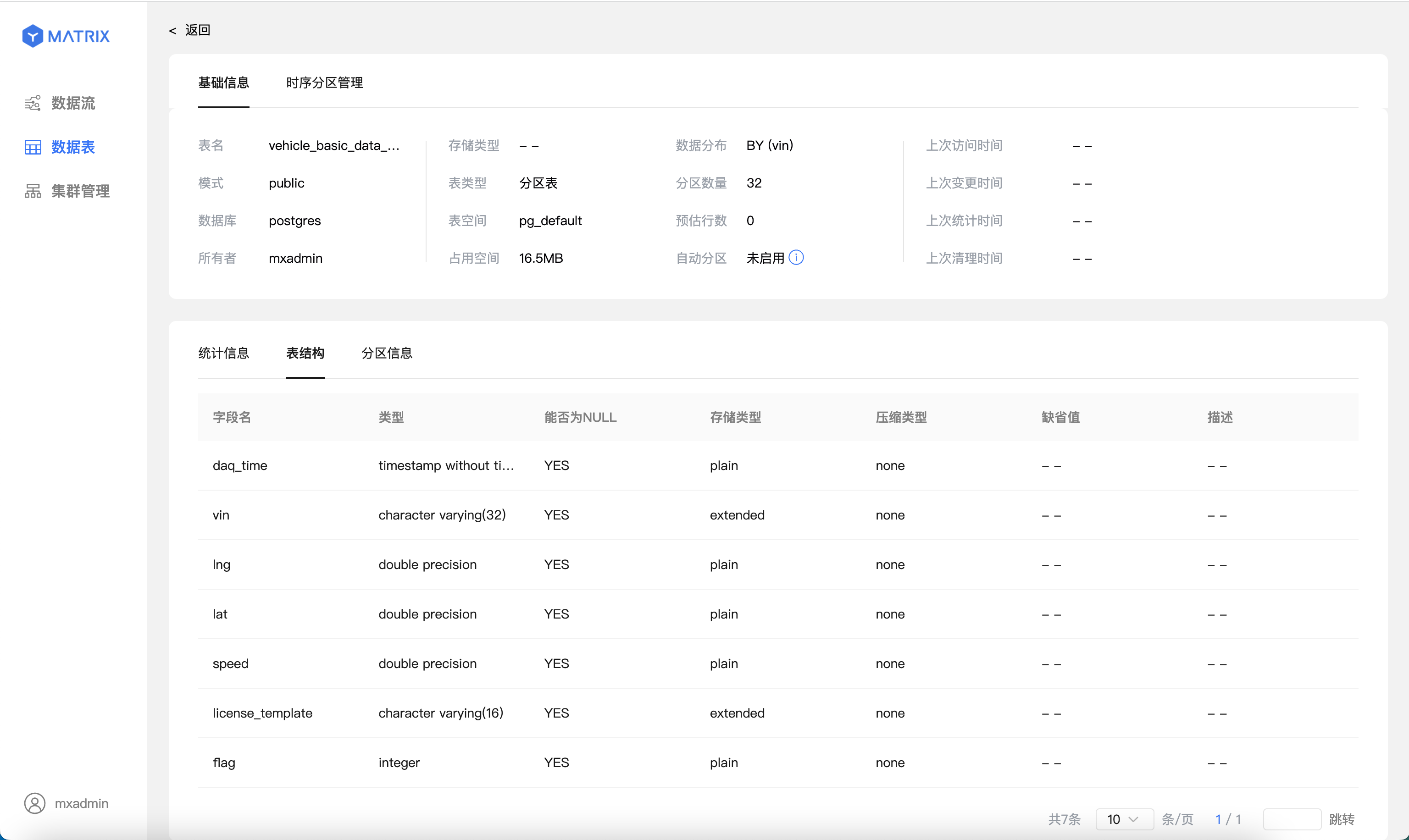
The detailed information page consists of two sections: basic information and structural information.
The basic information section displays content similar to the list page, while the lower part shows statistical details:
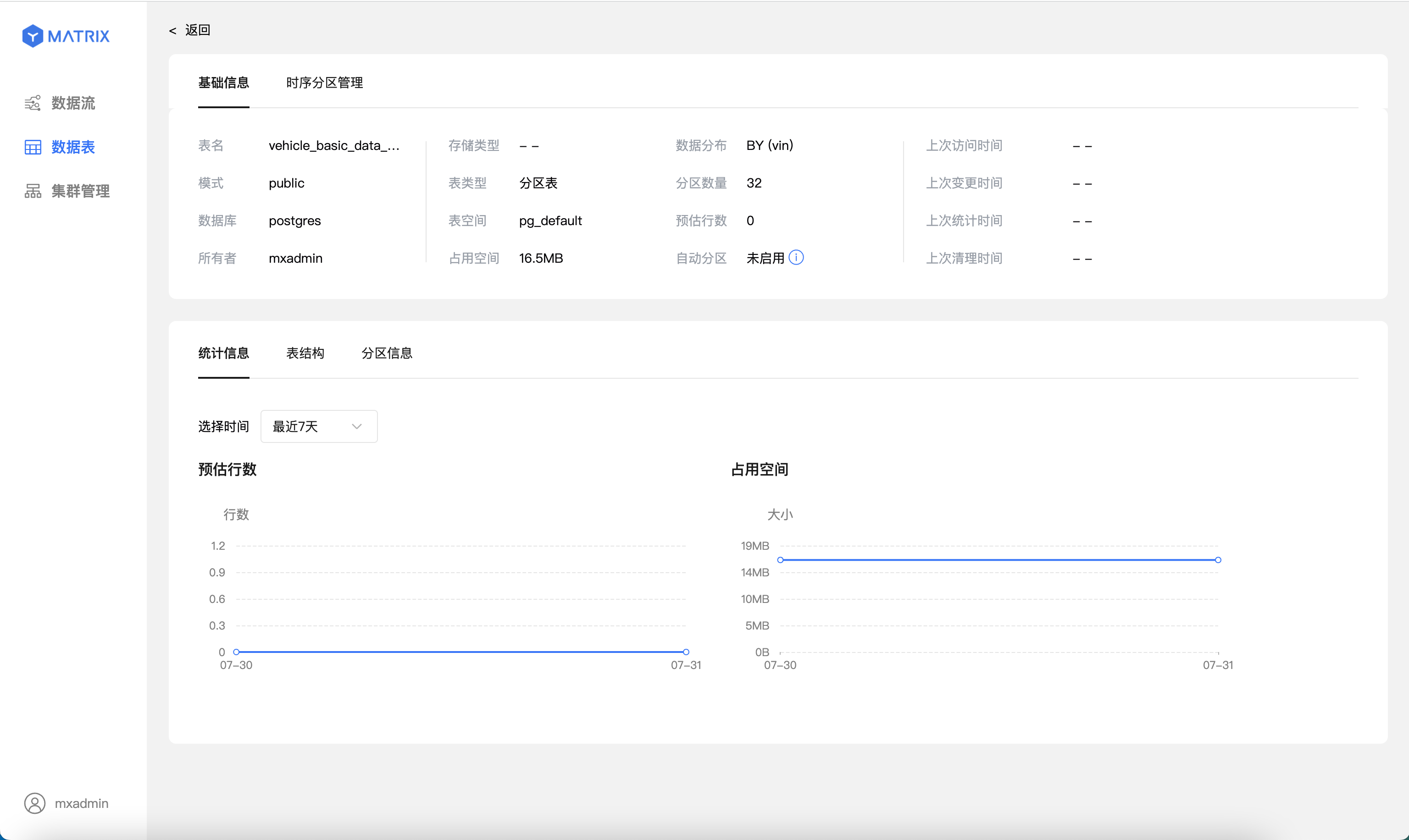
Table structure:
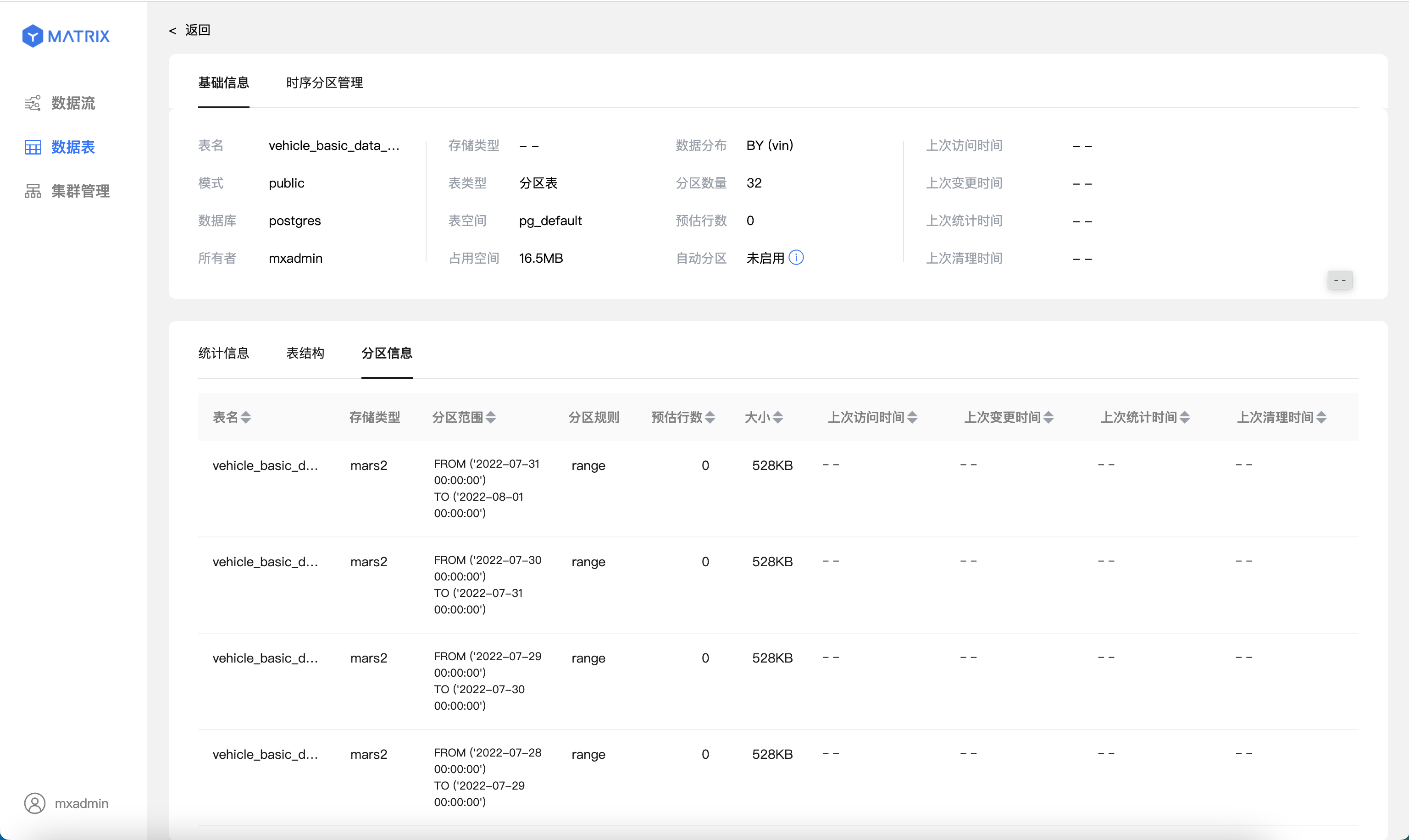
For partitioned tables, you can view detailed information for each partition: