Quick Start
Simulate Time Series Scenarios
Standard Cluster Deployment
Data Modeling
Connecting to The database
Data Writing
Data Migration
Data Query
Maintenance and Monitoring
Performance Tuning
Troubleshooting
Reference Guide
Tool Guide
Data Type
Storage Engine
Execution Engine
Configuration Parameters
SQL Reference
FAQ
YMatrix automatically simulates various business scenarios and generates test data based on business parameters. You can experience real-time data ingestion and querying without preparing any business data or writing SQL statements.
You must remain logged in to the graphical interface. If you accidentally close the page after initialization, reopen your browser and enter the master node IP address and port number to log in again:
http://<IP>:8240

Select the Getting Started module under the Quick Experience section.
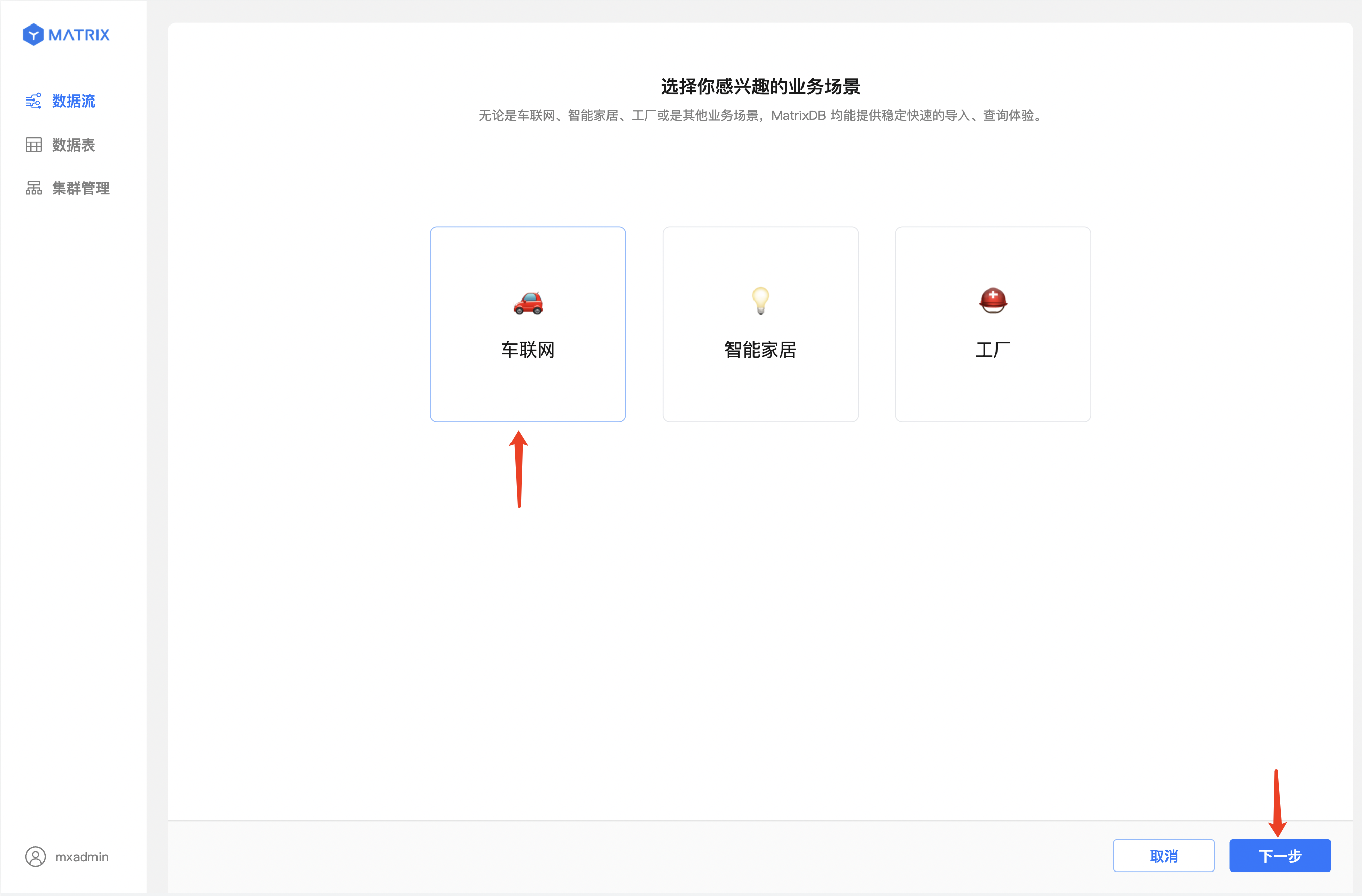
Three common IoT scenarios are provided. Select one of interest and click Next. This guide uses the "Connected Vehicles" scenario as an example.
Business data for the Connected Vehicles scenario is pre-configured:
Click Next to proceed.
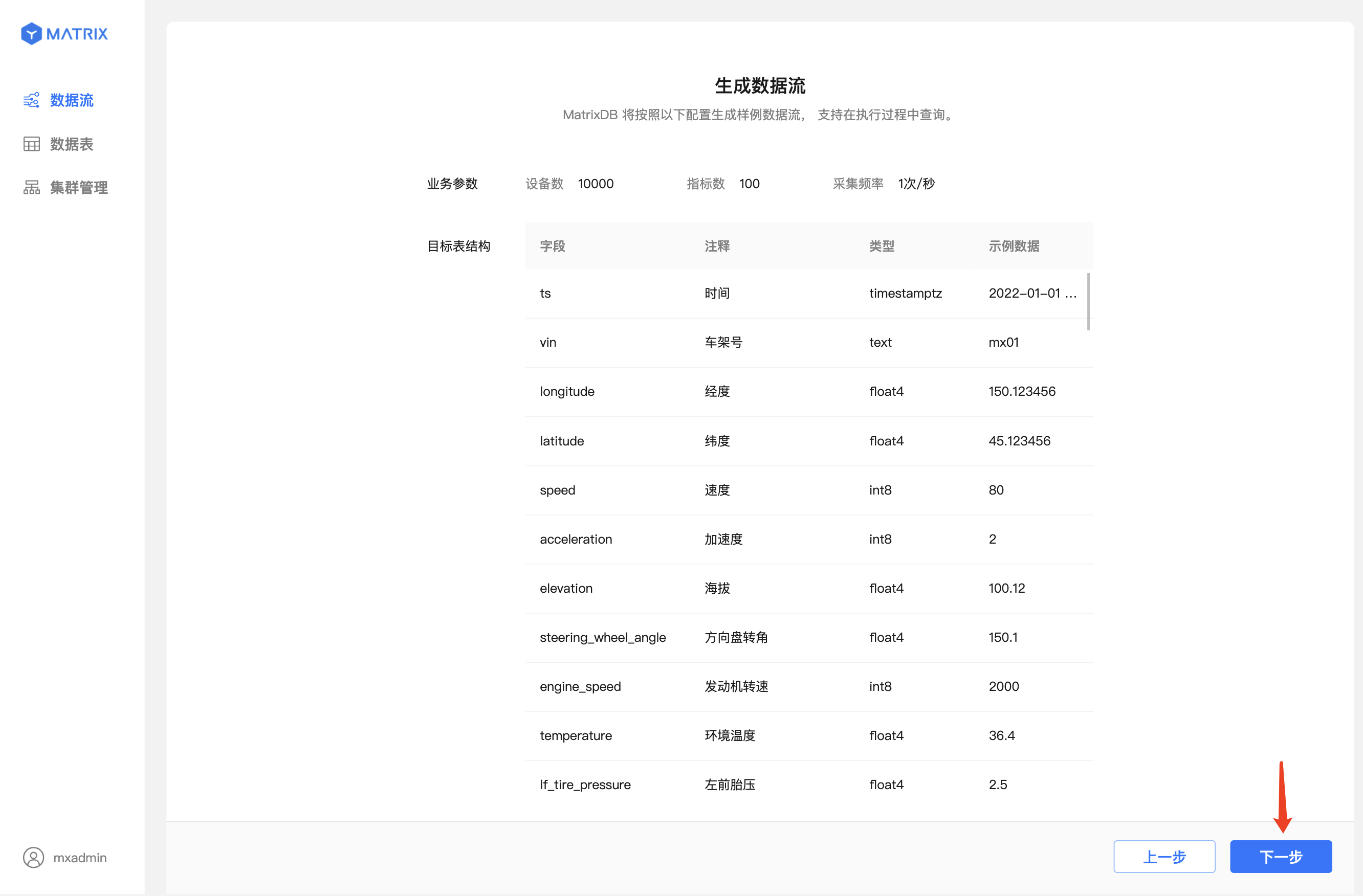
Based on the configured business parameters, the system uses mxbench to generate simulated data. Once the data stream is successfully created, the page automatically navigates to the Run Query screen.
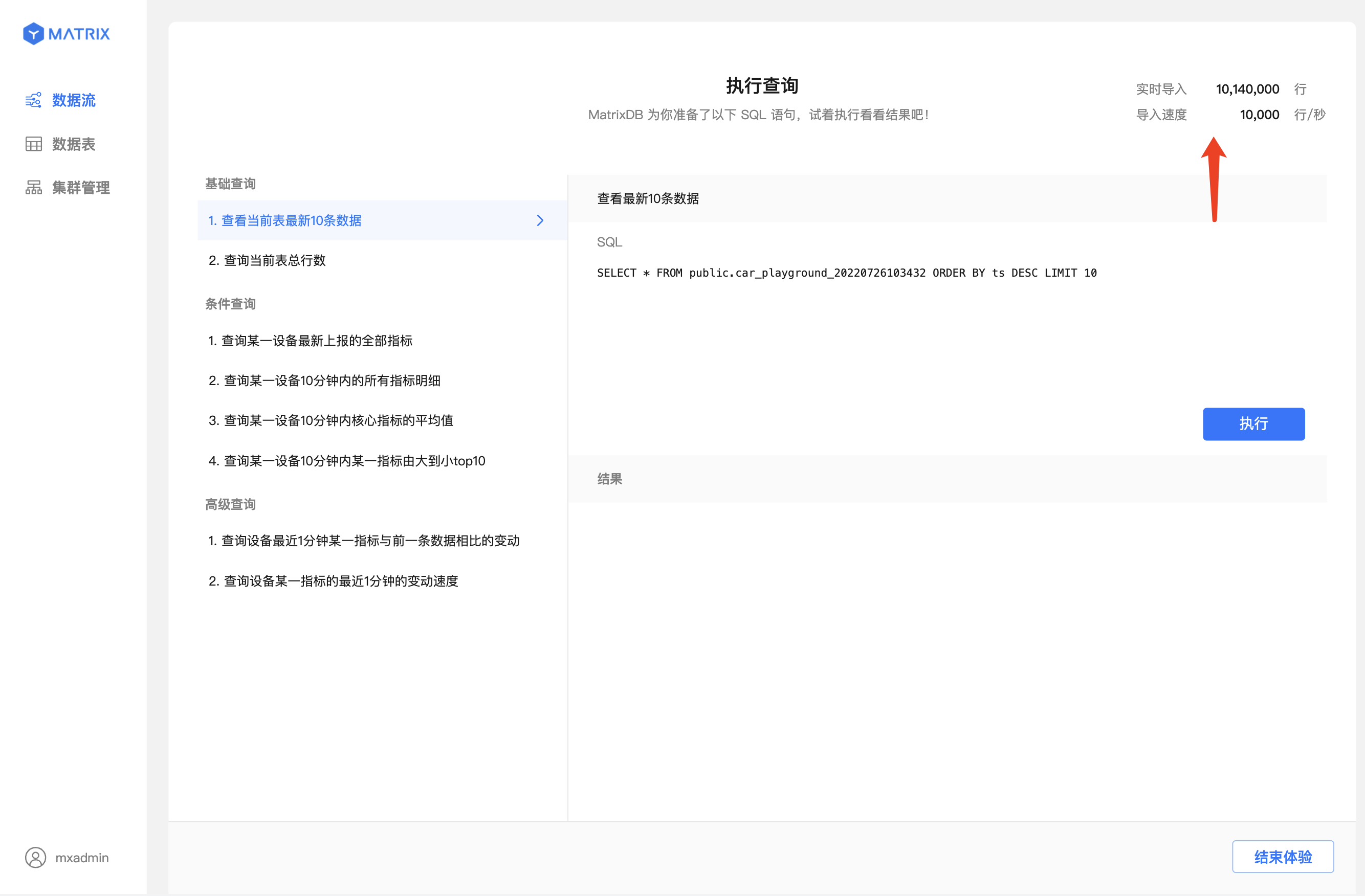
Eight typical query statements are provided, including:
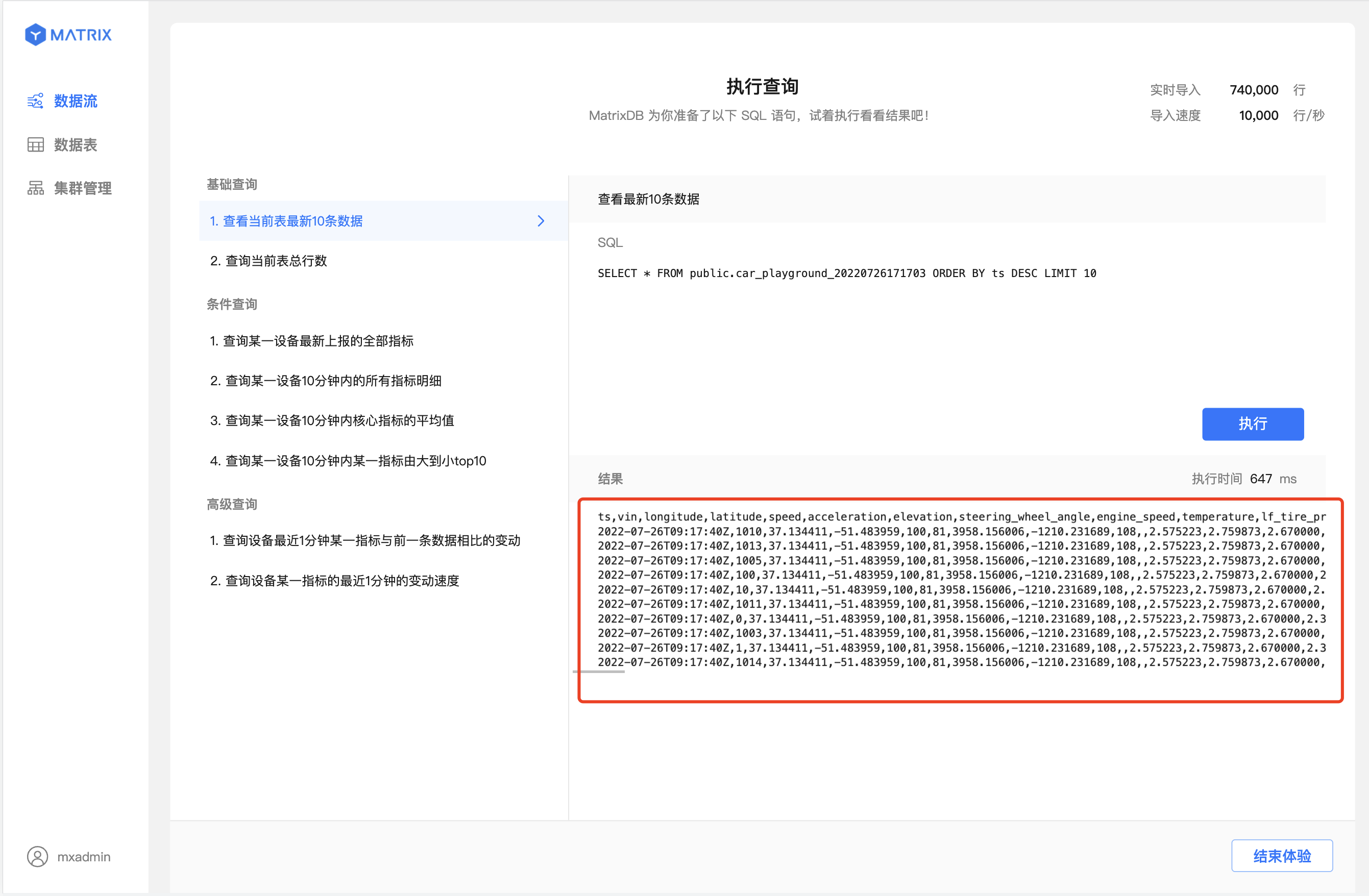
Click on a query of interest. The corresponding SQL statement appears in the SQL panel on the right.
For example, select the first query under Basic Queries.
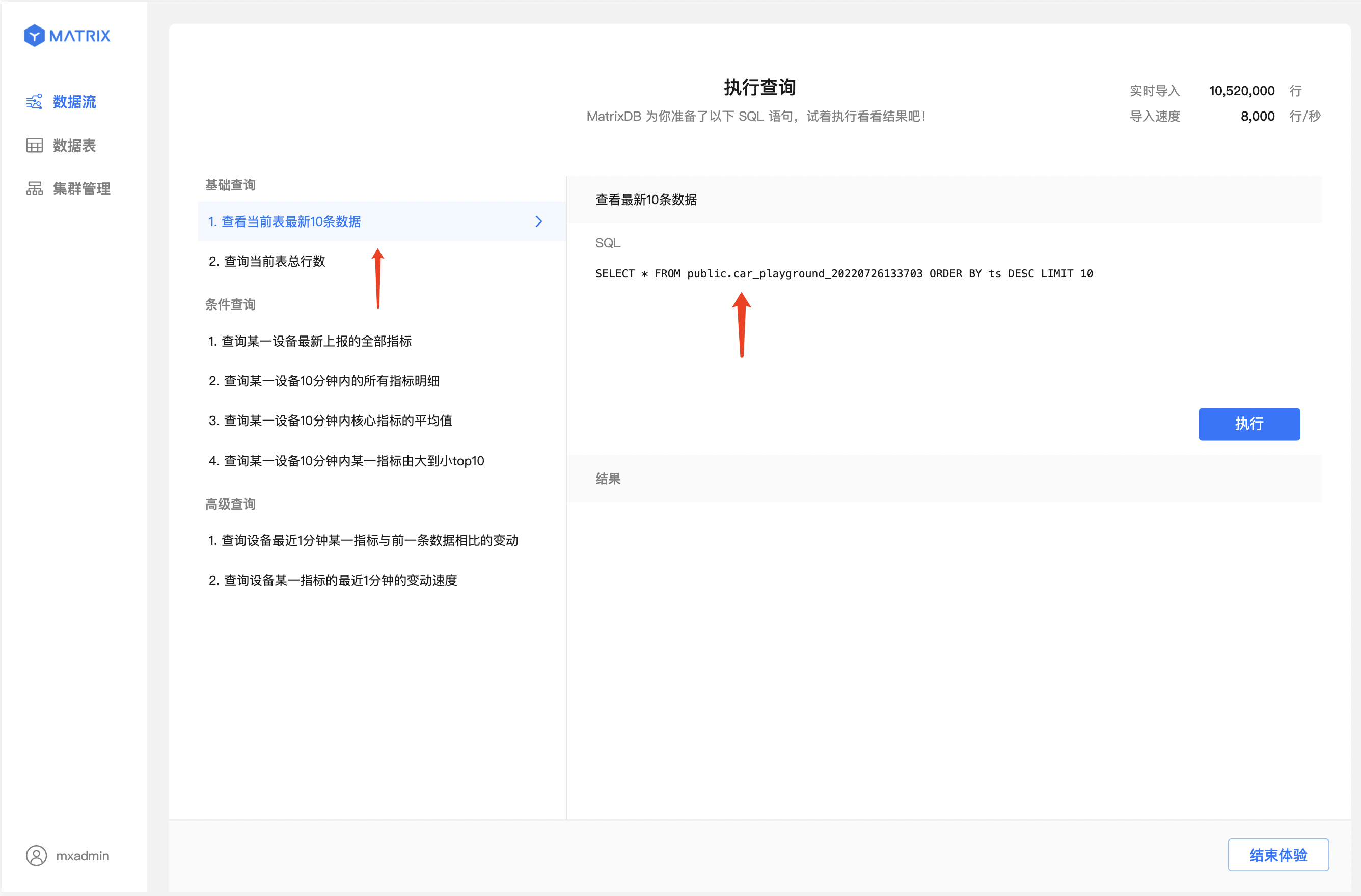
After selecting a query, click Execute to view the query results.
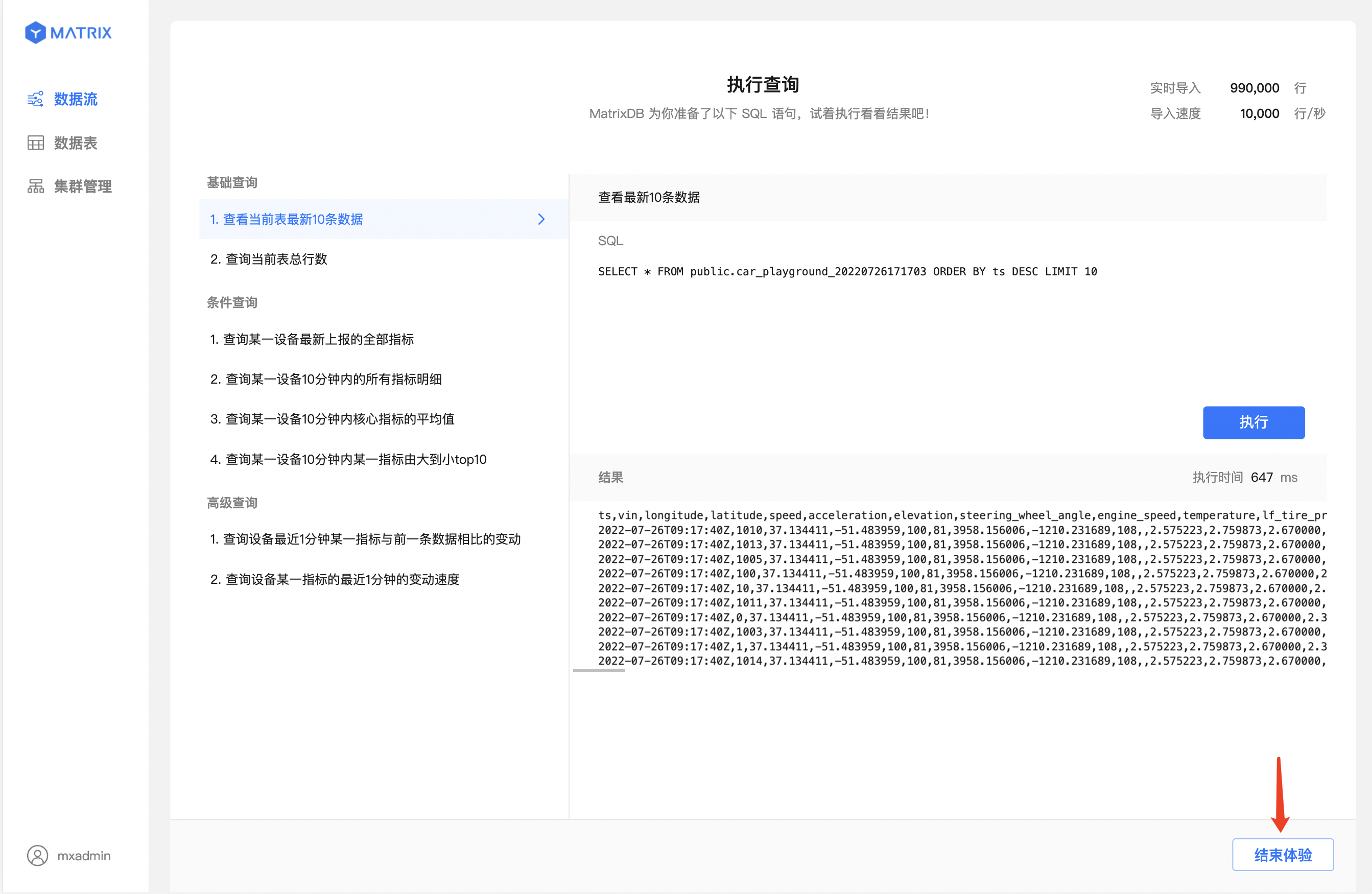
Click End Experience to automatically remove all tables and data generated during the Getting Started process.
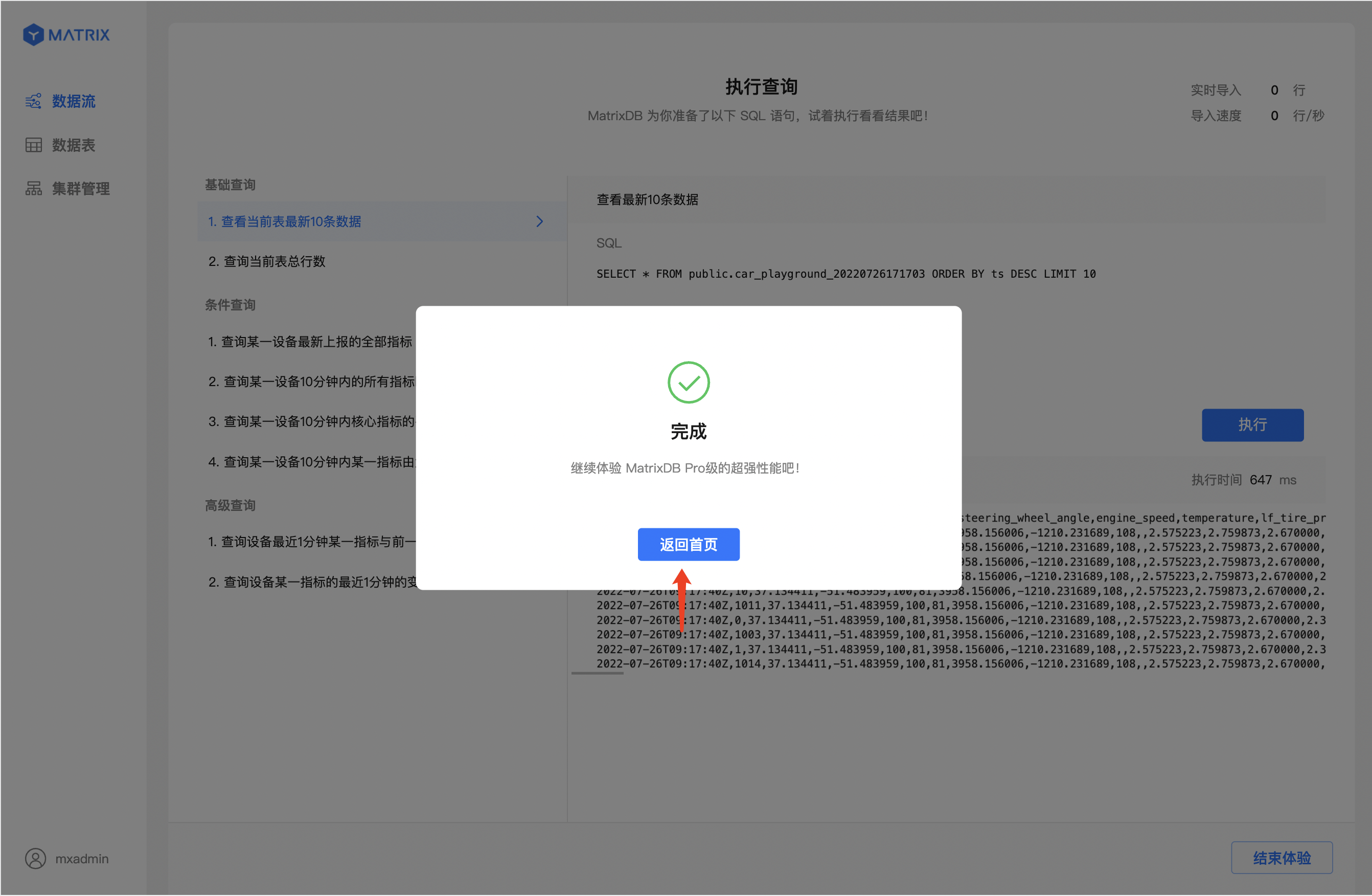
Click Return to Home Page to go back to the Data Streams list.
Experience completed!


